Hi,
Two weeks ago I was working on a application that must be compiled on an air gapped environment.
After spending two days trying to download the 400go of crates.io and setting up panamax, I've got tired of trying.
So with the help of Claude Code I made a tiny app over a night that can be docker deployed even on an air gapped system with help of "docker save" and "docker load" to ease setup on offline environment.
This tools has helped me to reduce to the only necessary size I needed
Here is a quick start on how to use the tool from my git repository :
Quick Start
Step 1 -- Define your dependencies
Create a depends.toml file listing the crates your project needs:
[dependencies]
tokio = { version = "1", features = ["rt-multi-thread", "net", "macros"] }
serde = { version = "1", features = ["derive"] }
axum = "0.7"

[platforms]
targets = ["x86_64-unknown-linux-gnu"]
toolchain = "stable"
You only need to list direct dependencies. frostmirror delegates to cargo generate-lockfile to resolve the entire transitive dependency tree -- features, optional deps, and platform-specific deps are all handled by cargo's own resolver.
Step 2 -- Fetch (online machine)
frostmirror fetch --config depends.toml --output ./releases/
This produces a file like 20260402-2130-crates.pkg in ./releases/. The bundle contains every .crate file, sparse index entries, rustup binaries, and a cargo config.
Step 3 -- Transfer across the air gap
cp ./releases/20260402-2130-crates.pkg /media/usb/
Step 4 -- Import (offline machine)
Drop the .pkg file into the incoming directory:
cp /media/usb/20260402-2130-crates.pkg ./incoming/
If the registry container is running with --watch-incoming, the import happens automatically. Otherwise, import manually:
frostmirror import 20260402-2130-crates.pkg --mirror /mirror
Step 5 -- Build your project offline
# ~/.cargo/config.toml
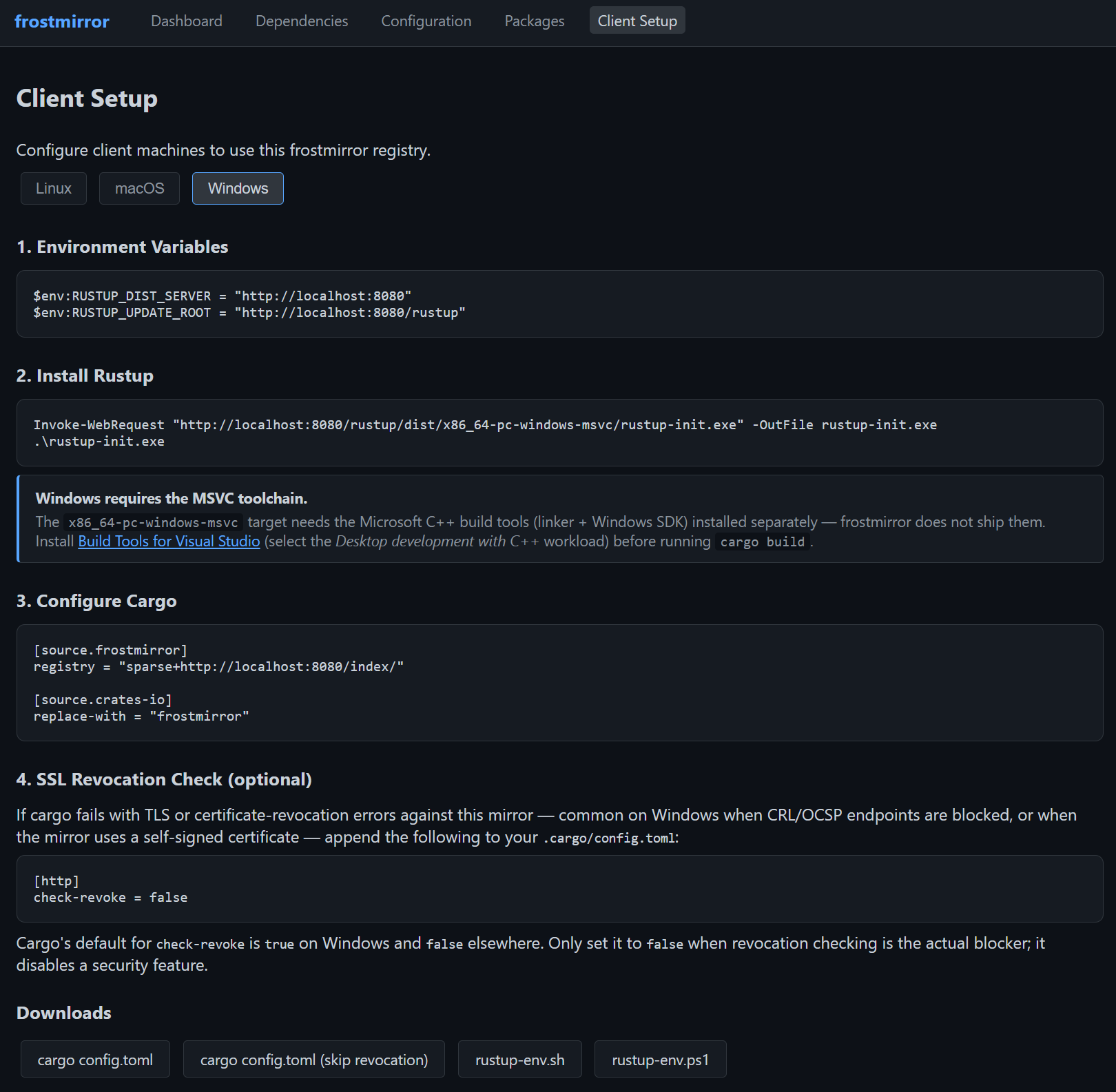
[http]
check-revoke = false # may be needed if you have a self sign ssl https server

[source.frostmirror]
registry = "sparse+http://frostmirror.internal:8080/index/"

[source.crates-io]
replace-with = "frostmirror"
cargo build # resolves everything from frostmirror
Hope this will help someone as it helped me.